

Review:
Lite-On EZ-DUB SHW-1635SU
Reviewed by: Jan70
Provided by: LITE-ON BV
(NL)
Firmware: YS0R
Manufactured:
2005
We at CDFreaks would
like to present a mini-review of one of the latest DVD-Writers from Lite-On: the
EZ-DUB SHW-1635SU DVD Writer.
The Lite-On EZ-DUB
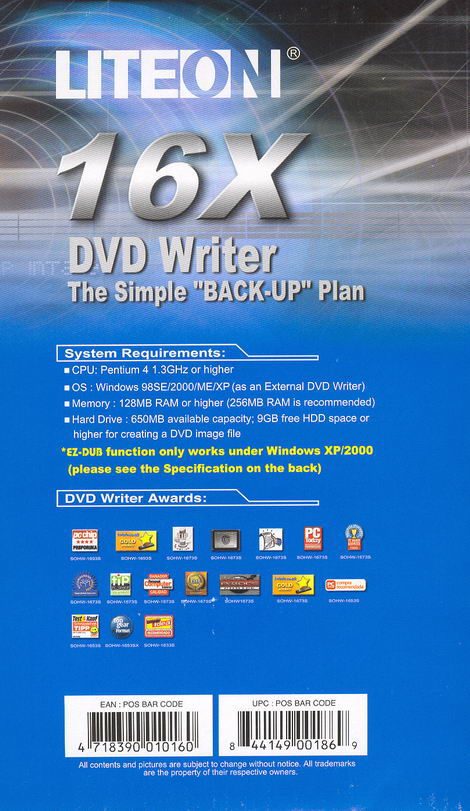
SHW-1635SU supports 16x DVD±R,
8x/6x DVD+RW/DVD-RW and 8x/4x DVD+R DL/DVD-R
DL writing technology, allowing Double/Dual Layer discs of 8.5Gb to be
written.
Company
Information:
Let us take a look at some of the
company information found at the Lite-On
Website:

Lite-On Technology Corporation's
vision is to become a world-class excellent company. The company will accomplish
this not only through leading global R&D and manufacturing technologies, but
also through the quality and distinctiveness of its products.
To reach these levels of
excellence and become the leading navigator in 3C convergence, Lite-On plans to
generate between five and six billion US dollars in annual revenue while
establishing itself as a global market-leader by mastering all of its
product-line industries. The company's ability to generate profits will guide
the industrial circles in which it competes. While accomplishing these goals,
corporate management will continue its policies of absolute financial
transparency, independence, and impartiality.
The company's pursuit of
excellence does not end there. To create better lives for people, Lite-On will
also continue to develop advanced and integrated digital products while
furnishing customers with innovative values that lead to true, beneficial
relationships. Lite-On wants to be the best strategic partner for each of its
customers.
Led by a professional team with
promise and lofty ethics, Lite-On will also strive to be an excellent
corporation with peak efficiency. The company will provide shareholders and
investors with an appealing return-on-investment. Additionally, Lite-On will
supply employees with an optimum work environment that helps them learn new
skills and grow professionally for the future. Lite-On seeks to become one of
the best corporations that people in greater China can choose for a
career.
Facts &
Figures:
- Lite-On
Technology reported its global consolidated June revenue of NT$13.7B,
increasing 4% on a YoY basis. - Accumulated revenue in 2005
totalled NT$75.6B, growing 2% on a YoY basis.
If you are interested in reading
more company information, please visit: Lite-On
Drive specifications:
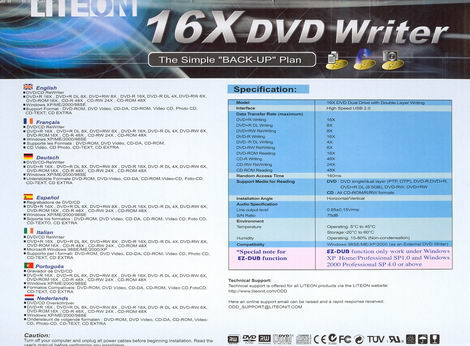
These are the
specifications of this drive, found at the Lite-On webpage:
- External
DVD-Dual drive, supports DVD+R / DVD+R9 / DVD+RW / DVD-R / DVD- R9/DVD-RW /
DVD-ROM / CD-R / CD-RW / CD-ROM format - Support
Double Layer DVD+/- R9 Recording Function - Portable
design, using USB2.0 connection to ensure the best performance - Plug &
Play, and emergency manual eject function is embedded
- SMART-BURN(*1) avoiding Buffer
Under Run error, Automatically adjusting writing strategy & running OPC to
provide the best burning quality - SMART-X(*2)
function adjusts CD-DA / VCD / DVD data extraction to a fastest allowable
speed according to both data request rate from host and disk
quality - VAS(*3)
system reduce vibration and noise during recording and reading - Support
Fixed Packet, Variable Packet, TAO, SAO, DAO, Raw Mode Burning, and
Over-Burn - DVD read
compliant: DVD single/dual layer (PTP/OTP), DVD-R(3.9GB/4.7GB), DVD-R
multi-borders, DVD+R/ DVD+R9 Single/ multi-sessions, DVD-RW, and
DVD+RW - CD read
compliant: CD-DA, CD-ROM, CD-ROM/XA, Photo-CD, Multi-session, Karaoke-CD,
Video-CD, CD-I FMV, CD Extra, CD Plus, CD-R, and CD-RW
- Support
both 8cm and 12cm disc of CD and DVD family
- Conform to
Orange Book: Part 2 CD-R Volume 1, Part 2 CD-R Volume 2 Multi Speed, Part 3
CD-RW Volume 1 (1x, 2x, and 4x), Part 3 CD-RW Volume2: High Speed, Part 3
CD-RW Volume 3: Ultra Speed
Specifications:
DVD
Family:
- Write:
- DVD+R
16X(21600KB/sec) maximum by CAV - DVD-R
16X(21600KB/sec) maximum by CAV - DVD+R9
8X(10800KB/sec) maximum by Z-CLV - DVD-R9
4X(5400KB/sec) maximum by CLV
- DVD+RW
8X(10800KB/sec) by Z-CLV - DVD-RW
6X(8100KB/sec) by CLV
- Read:
- 16X(21600KB/sec) maximum by
CAV
time:
- 160ms
CD
Family:
- Write:
- CD-R
48X(7200KB/sec) maximum by CAV
- CD-RW
24X(3600KB/sec) maximum by Z-CLV in UltraSpeed disc
- 48X(7200KB/sec) maximum by
CAV
time:
- 60ms
(Maximum
transfer rate is limited by PC system or interface speed)
- Buffer
Size:
- 2MB(MAX)
Required :
- Pentium 4
1.3GHz or higher CPU and 128MB or higher RAM are required 650MB HDD
available capacity; and 9GB free space for creating a DVD image
file
- Microsoft
Windows 98SE/ME/2000/XP
- 70000
POH
Ration
- >60dB
- Operating
5 C to 35 C; Relative Humidity: 15% to 80%
- Non-Operating -40 C to 60 C;
Relative Humidity: 15% to 95%
- 172(W)
x66(H) x 243(D) mm
- 1.3Kg
plug type :
- US, EU,
UK, and AUS
*1
SMART-BURN: Smart Monitoring &
Adapting Recording Technology for
BURNing.
*2
SMART-X: Smart Monitoring &
Adjusting Read-speed Technology for
eXtraction.
*3 VAS:
Vibration Absorber
System
What's inside the box?
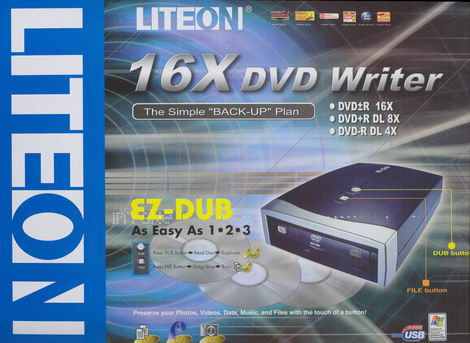
On this page,
we will take a look at what the drive came shipped with, a look at the drive and
its technology.
Front
Back
Top
Bottom
Right Side
Left Side
Below you will
see the contents of the retail pack:
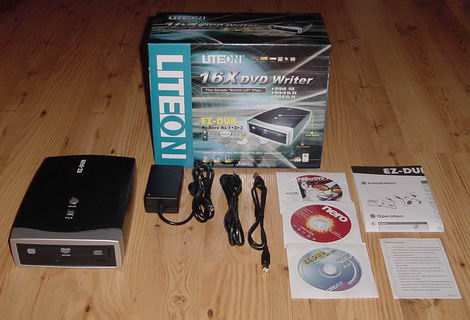
- The
external drive - Power
supply - Power
cable - USB2.0
Cable - CyberLink
PowerDVD 5 - Nero OEM
Suite CD:
- DOS
Driver - Nero
Express 6.6
- InCD
4 - NeroVision Express
3 - Nero
BackItup - MPEG-2
SVCD/DVD Plug-In
Reader
EZ-DUB Installation CD
Installation and Operation Guide
Notice
Now it's time to take a look at
the drive itself:
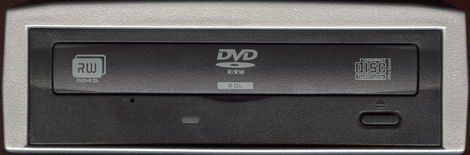
A typical Lite-On bezel - it has
an eject button, a LED (green - for read and write - we prefer a different LED
colour though for writing), and an emergency eject hole. The logos located on
the loading tray include, a DVD Alliance DVD+R
DL logo a DVD-R/RW/R DL Forum
logo, and a CD-RW Ultra Speed logo.
Top
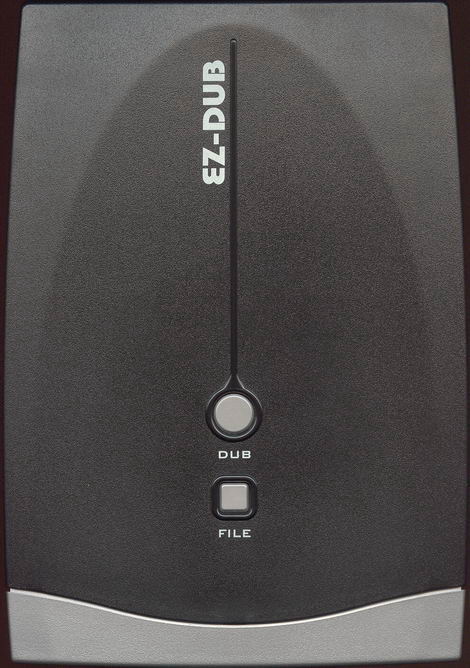
On top of the
drive we found the EZ-DUB logo and the operations buttons for the EZ-DUB
feature.
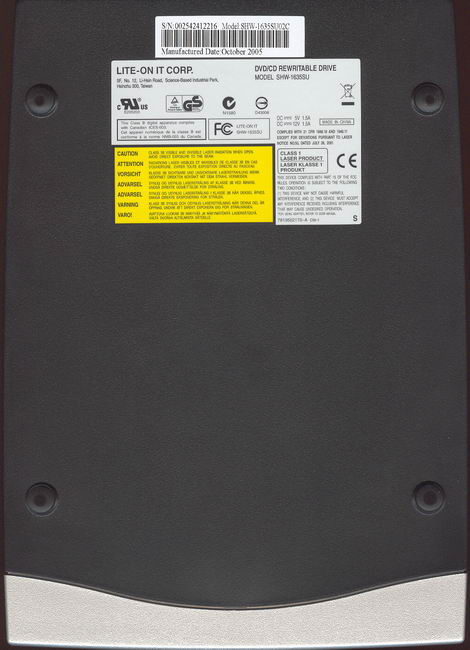
Bottom
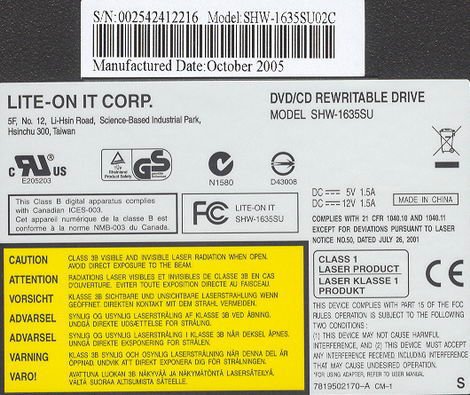
On the bottom of the drive we
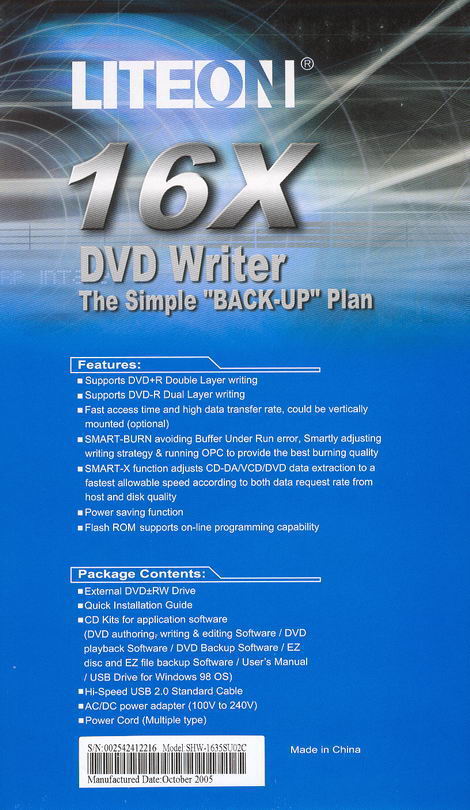
found two stickers, and we can read it was manufactured in China, October
2005.
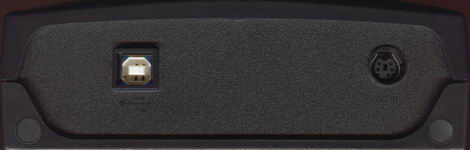
On the back of the drive we can
find the USB2.0 Connector and power connector. We miss a power-switch to
physically turn the drive off when it is not in use.
Now, let us install the drive and
check out the features on the next page…















