Verbatim 500GB USB2 External Hard Drive Review

Author

Dee
Senior Administrator and Reviewer
Article posted 29 Jun 08 15:13

Introduction


Review: Verbatim 3.5 External HDD
Reviewed by: Dee-27
Provided by: Verbatim Europe
Model: 47510
Manufactured: China

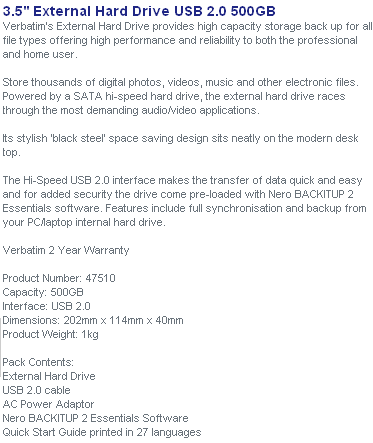
Verbatim Europe was kind enough to send us one of their latest USB external hard drives for review. The Verbatim 47510 has a capacity of 500GB. In this review we will take a look at the performance and features of this drive.

Verbatim Company Information
Website


Features and Specifications


What’s inside the box


Now it’s time to take a look at the drive itself and what the drive came shipped with.
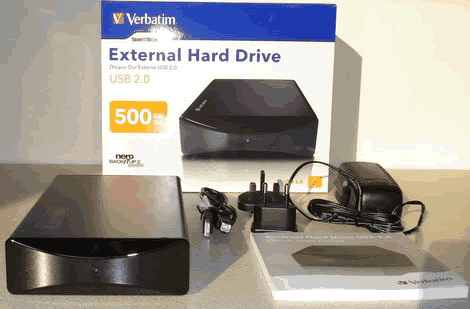
Our package was the retail version and contained the drive, power supply (with UK and Europe adaptor), USB lead and manual.

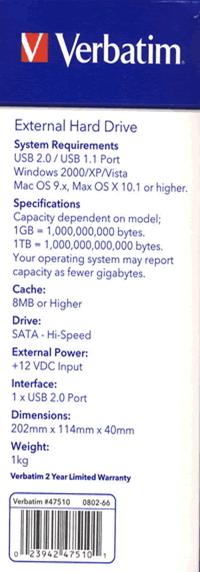
Let’s first take a look at the packaging.
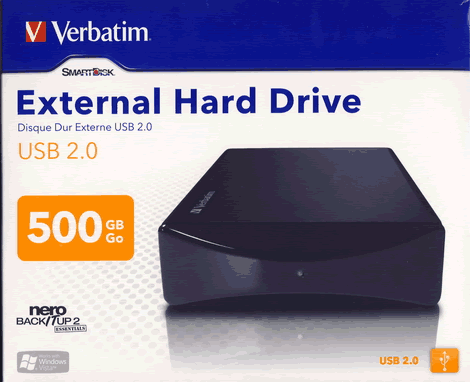
Box front
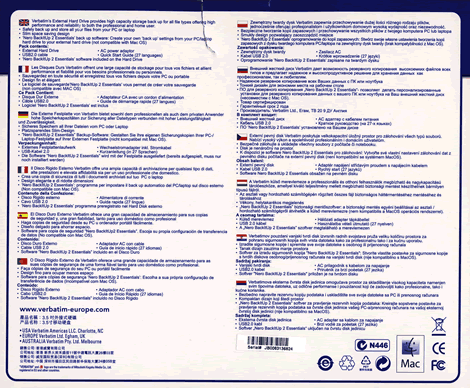
Box rear

Box top
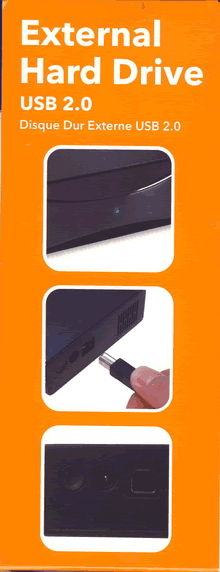
 

Box left and right sides

Now let’s take a look at the drive.
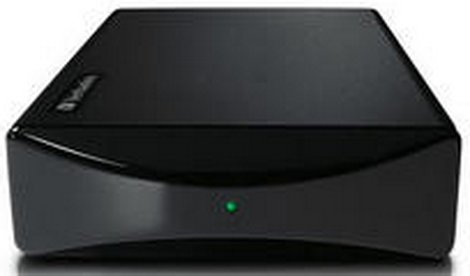
The drive is very nicely styled and housed in a strong casing. The front has a high gloss finish and looks very classy indeed. We can also see a single drive activity LED.
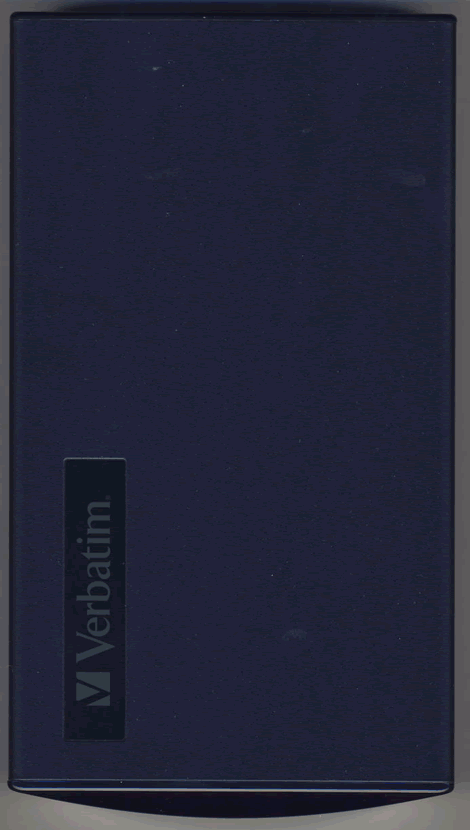
Drive top
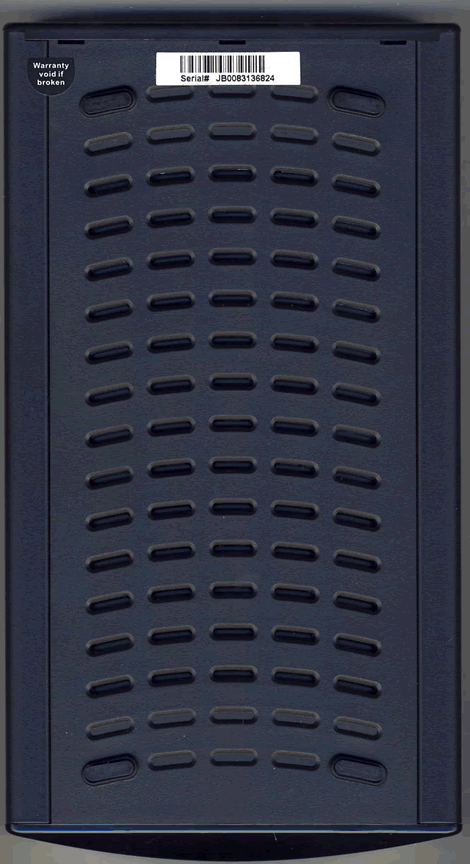
Drive bottom

On the drive bottom we can see support feet and ventilation holes.
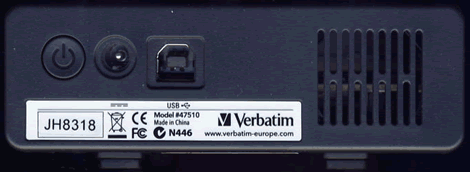
On the rear of the drive we can see from left to right, a power on/off button, power supply connector, USB connector and silent cooling fan.

On the rear of the drive we found one label and, we can see the drive has the model designation 47510 and the drive was manufactured in China.

Now let’s head on to the next page were we can take a look at the features of the drive….


12 Comments

guest
Posts: 15288
Posted on: 02 Jul 08 00:57
I've been looking for a 500 GB external hard drive for some time now, but every one of them has complaints from users that they burn out. They may work great in the beginning, but a few weeks/months down the road and they fry. :c What makes this one any different? I've seen posts saying the best bet is to separately buy an internal hard drive and an external case with fan and then to just put the internal drive into the case yourself. I'm a novice when it comes to hardware, so I don't know - is putting an internal drive into an external case yourself a simple plug in type of thing or is it more complex? Any help is appreciated! :g
guest
Posts: 15288
Posted on: 11 Jul 08 03:38
Most cheapo external drives without a fan use the case as a heat sink. The drives are mounted without the use of thermal grease which would help the thermal transfer efficiency. I use my external drives on a demand basis, that is when I am done transferring data I turn the drive off. I have a mix of home made, Maxtor, Seagate, I/O Magic external drives that are from 1 to 3 years old and have not had any failures. I have, however, had hard drives that are permanantly installed fail, and that was at the 5 year mark. It is advisable to run a SMART drive monitoring program that reports drive condition, so that you might be able rescue data from a drive that is showing signs of sickness
guest
Posts: 15288
Posted on: 04 Aug 08 02:12
If anyone is wondering what brand of harddrive sits inside the case its a Hitachi, long story short, Verbatim is owned by Mitsubishi Chemical Corp. which has a partnership with Hitachi for selling harddrives, the harddrive has a mitsubishi or verbatim label on it, but the hardware itself is made by Hitachi
guest
Posts: 15288
Posted on: 06 Aug 08 21:48
If the HDD is a Hitachi (Which is quite good) then why when i open the enclosure and remove the drive does it say "Western Digital" (which is much better) on the label? The drive that i found in my enclosure is a Western Digital Caviar 500GB HDD. Why they called it Caviar i'm not sure but I have several Western Digital HDD's and none have given me problems. One of them is a 5 year old 80GB IDE HDD and they run like dreams. There is one question though. Why when i put the 500GB in the pc my HDD monitoring apps pick up its temperature but, when i put it in an enclosure the apps dont? Does the S.M.A.R.T work externally or only internally
Dee
Posts: 10600
Posted on: 21 Aug 08 20:10
The drive inside the "review drive" was a Western Digital. Also i think S.M.A.R.T only works on the native drive interface (in this case SATA) and the drive is connected via USB.
guest
Posts: 15288
Posted on: 16 Jan 09 00:18
Do not buy the VERBATIM. The VERBATIM is crap. The VERBATIM will not work on my MAC!!! They want me to send The VERBATIM back at my expense and they will not give me my money back. They want to send me a new VERBATIM. I mean, come on - send me another VERBATIM that doesn't work!!!
guest
Posts: 15288
Posted on: 05 Feb 09 00:58
My verbatim came without a manual, without the software mentioned in this review, would not back up, said the verbatim was corrupted, and corrupted many of my files.
guest
Posts: 15288
Posted on: 19 Feb 09 15:03
I bought that drive and had no issues from day 1, works get. Paid 99$ can. Very happy with it.
guest
Posts: 15288
Posted on: 28 Feb 09 20:41
I don't like the fact that the drive is always off after repowering. I would prefer a real switch to determine the behaviour: - off after repowering - on after repowering - as it was when power loss occurred
guest
Posts: 15288
Posted on: 01 Mar 09 22:18
these drives are cheap and from China...mine melted overnight. I was using it as a file server. Never again will I buy Chinese product. No thermal grease and no warranty. They want me to pay to ship for service. No way. Cost too much for ship to China. Bad company, although their media is good. No such thing as Verbatim hard drive. Is like false advertsing. :r :r :r
guest
Posts: 15288
Posted on: 29 Apr 09 23:23
CT South Africa - 3 weeks - cannot restore files from Verbatim Backup!!!!!! One can see the folders and files but backup restore process terminates in the end saying unable to do so! Help! Anyone out there that can assist? Currently Computer repair centre attending to but they also no luck this past few days. Established from 2 other CRC they have had clients come in with same problem. Could not be solved.......Help Please.
guest
Posts: 15288
Posted on: 04 May 09 14:13
Does anyone know, how to open the enclosure? I've searched the internet, but no result :c I have the eSATA/USB-version of this drive and i want to slow down from SATA2 to SATA1 (VIA-chipset-problem).

Post a comment

Hello guest,
default
To benefit from all extra features you need to log in or sign up.