Article index
Author
Introduction
|
|
Review:
EMINENT EM7080 |
Eminent sent us their latest media player for review, the EM7080. It has a lot of interesting features, starting from YouTUBE, RSS Feeds, BLU-RAY ISO, Torrent client and as you expect from a media player the support for audio & video files and displaying pictures. All the features of the EM7080 will be analyzed and reviewed later.
Company Information
Eminent means ‘excellent’ and that is what we want to be. Eminent home automation solutions and ICT accessories allow customers to benefit from the possibilities offered by the digital world. End users and resellers take advantage of maximum support: an accessible helpdesk, 5 year warranty, easy installation and multilingual user manuals. Eminent Europe BV is a member of the TKH Group, but for those of you wishing to find out more, you can read about it on the EMINENT website.
Packaging and what’s inside the box
Let’s now take a closer look at the packaging.
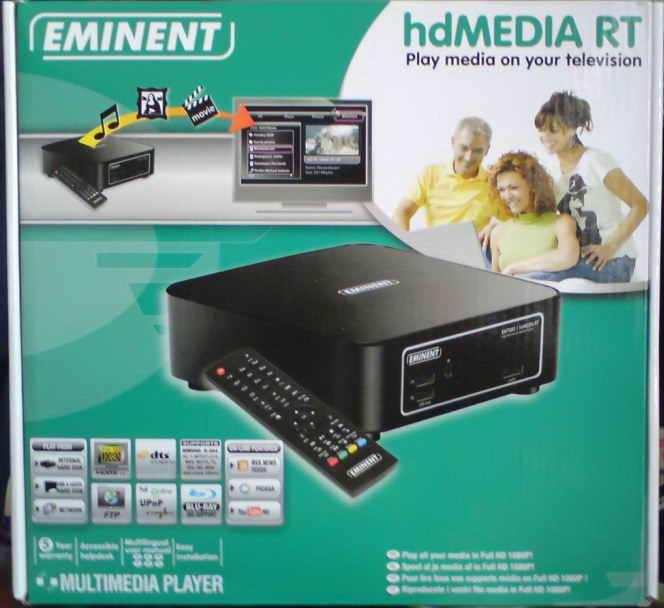
The front side of the box
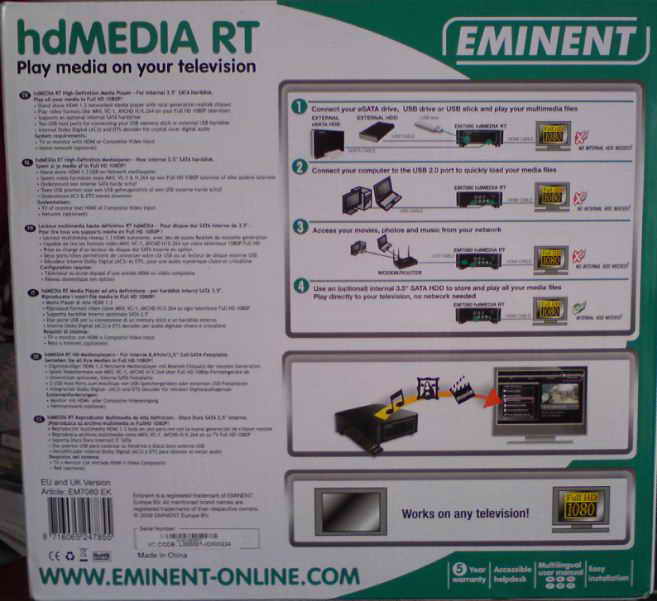
Back side of the box
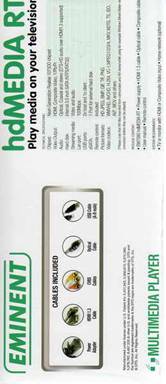


All four side/rear views of the box.
Now it’s time to take a look at the media player itself and what it came shipped with.
We can see the package and contents below in the next two pictures.
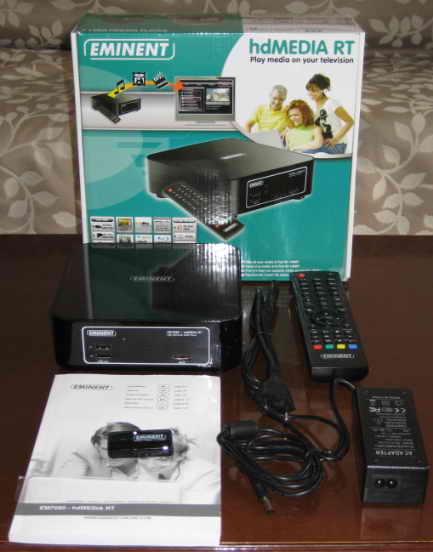
You can see in this picture the main unit, the user manual, a power cable for the EU countries, the remote control and the power supply. You can also see the wireless adapter*, but that’s not all that you will find inside, have a look at the next picture to see the rest of what the EM7080 comes with.
*I believe that the wireless adapter is optional.
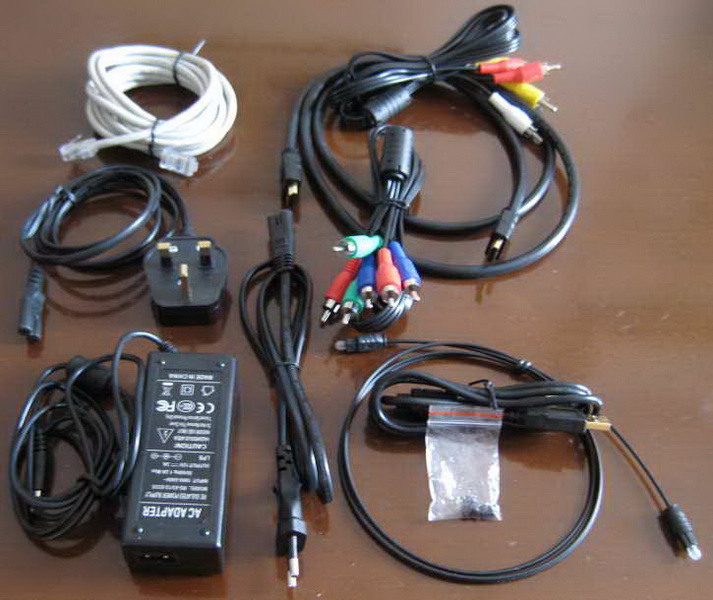
A UTP cable, a power supply cable for the UK, cables for Audio and Video connections, an HDMI cable and also the optical cable and finally 4 screws. Yes 4 screws that will secure your internal hard drive, but we will cover this later. For now let’s take a look at the box and the device.
Here is the view of the box that the EM7080 is shipped in.
Now let’s take a closer look at the device.
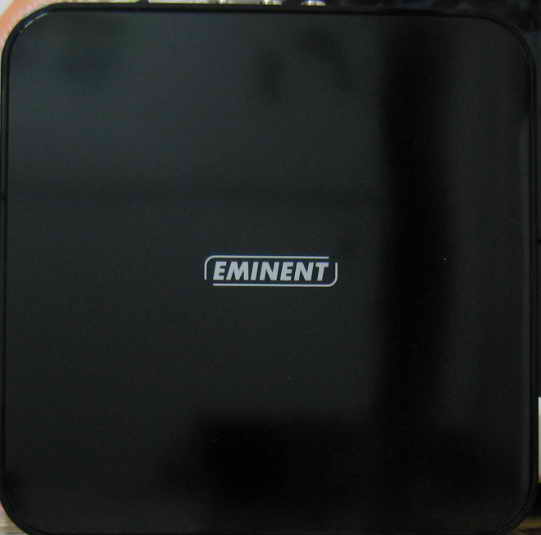
The top view of the EM7080
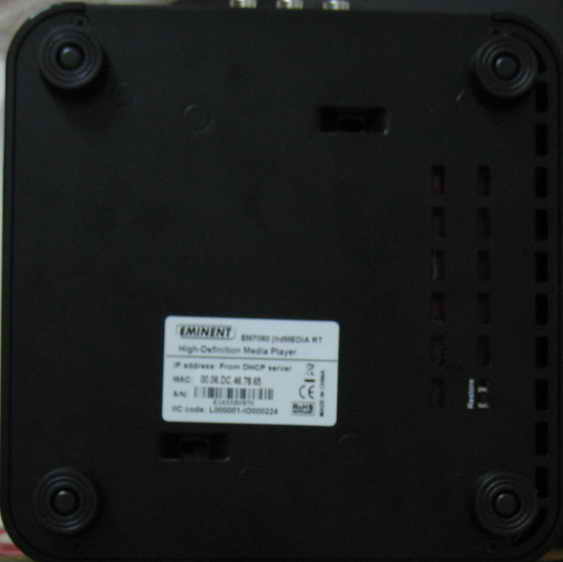

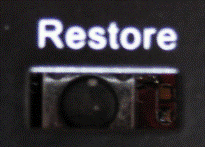
Bottom view of the EM7080 and a closer look at the restore button.
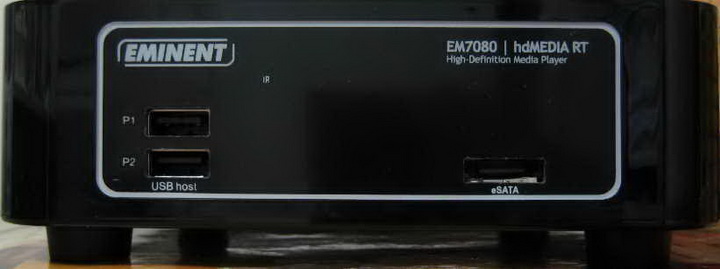
Now let’s go to the front side of the player. The front was a pleasant surprise for us not because of the look, but because of the connectivity that it can provide. As we can see the EM7080 has two USB hosts and an eSATA port, the IR sensor and a power LED that lights up green when the player is turned on.
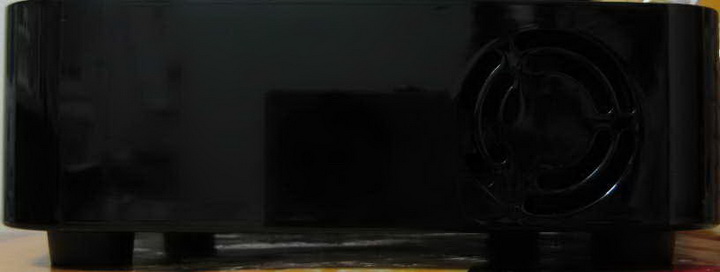
In the rear we can see the small ventilation opening for the cooling fan.
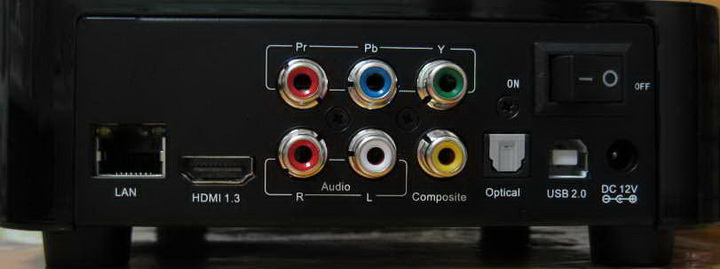
Now we go to the back side of the EM7080. Here we can see the LAN connection, a 1.3 HDMI port, stereo audio outputs and composite and component outputs for some old TV’s, the optical connector and also a USB2 HOST to connect your player to your computer, and finally the ON/OFF switch and the 12VDC in, so the player has everything you need.
Now let’s head on to the next page where we can take a look at the features of the media player….
13 Comments
Does the unit support DTS-HD/MA/Dolby-HD formats which are in the bluray iso's?
Any stuttering in HD files?
What's the picture quality like for lo-def avi's?
Tested on more than 1 TV?
Well i didnt see any stuttering in HD files, from the internal 3.5" drive that i put, and also from my 2.5" 320GB external drive (USB powered) even with blu-ray iso's.
The picture quality on low definition media such as xvid is general good, i dont have any really low quality xvid to test, maybe it's time to encode some for testing?
Well i dont have an amplifier that supports HD ro MA but i tried 007 Quantum of solace and the player played all the audio streams without any problem, also in the manual it says that it can play them via HDMI 1.3 so it should work without any problems.
GPCD
|
What is the speed of the LAN connection, 100 meg or Gigabit. What is it like playing Blu-ray ISO's from a home network? This is where I see most media players failing causing stuttering in playback. As it plays BR Iso's from a usb2 connection I'm guessing it would be ok but would need to know for sure.
GPCD |
I didnt try any bly ray iso over lan so i cant tell, plus i dont have the unit to do the test.
Well i didnt have any issues playing BD iso's from usb2 but if you want you can play them from the eSATA port
I have a NAS attached to my wired network but this is almost full. I also have a 1Tb external HDD that I would like to attach to my network and share it's contents of movies.
I was considering the WD TV Live as I understand that connecting an external drive to it will make it available to other WD TV Live units on the network. But I am not so keen on the design of the WD unit so my question is: does this Eminent unit stream files (held locally either on an internal or external drive) across the network to other units and can it do this whist it is playing other files?
Thanks.
|
does this Eminent unit stream files (held locally either on an internal or external drive) across the network to other units and can it do this whist it is playing other files?
Thanks. |
|
I had no problems streaming all my media from my pc, when i was testing the EM-7080.
|
1) Does the Eminent EM-7080 share movies, from it's internal HDD, across the network to other devices? - Can it be used as a NAS?
2) Can it sustain the file sharing while in use playing files?
|
Question interpreted incorrectly ...
1) Does the Eminent EM-7080 share movies, from it's internal HDD, across the network to other devices? - Can it be used as a NAS? |
I think yes, but i cant be sure about that since i don't have the player to test it.
is it working with an external Blu-ray OD, like this one?
http://www.lg.com/us/computer-produc...r-BE08LU20.jsp
About this category
Media Players
- Do you ever ask yourself how to keep your downloaded music, movies and clips in one place? Of course you can save it on your PC's hard disk, but it might be better to use a media player. There are many different sorts of media player devices out there, so make sure to look around. Some even have a built-in Digital Video Recorder (DVR), and are therefore very comprehensive. More about this