Article index
Author
Introduction
|
|
Review: Lite-On iHAS524 |
Lite-On was kind enough to send us the iHAS524 for review. In this review we will be seeing how this drive from one the world’s best known optical drive manufacturers performs in our tests.
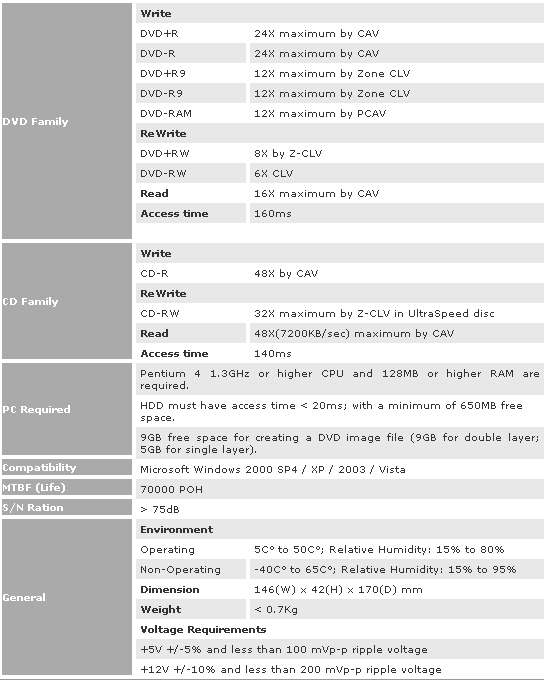
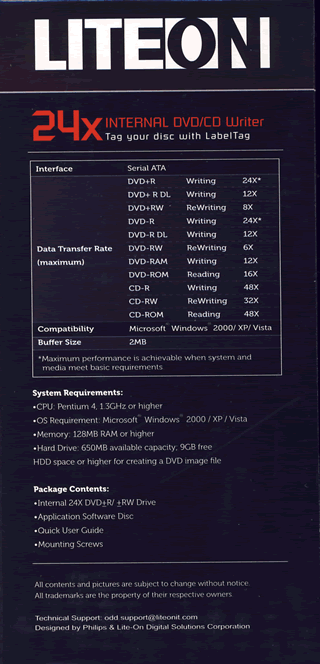
The Lite-On iHAS524 supports 24x DVD±R, 8x/6x DVD+RW/-RW, and 8x DVD+R/DL-R DL writing technology, allowing Double/Dual Layer discs of 8.5GB to be written. The Lite-On iHAS524 also supports DVD-RAM reading and writing at 12x speed, and SmartErase features, and also the first drive we have tested here at MyCE.com to feature LabelTag.
Company Information
We are sure that most of you know Lite-On already, but for those of you wishing to find out more, you can read about it on the Lite-On website.
Drive Specifications

Packaging
Let’s now take a look at the packaging that the drive is shipped in.
The drive that Lite-On sent was the retail version, and we can see the package and contents below.
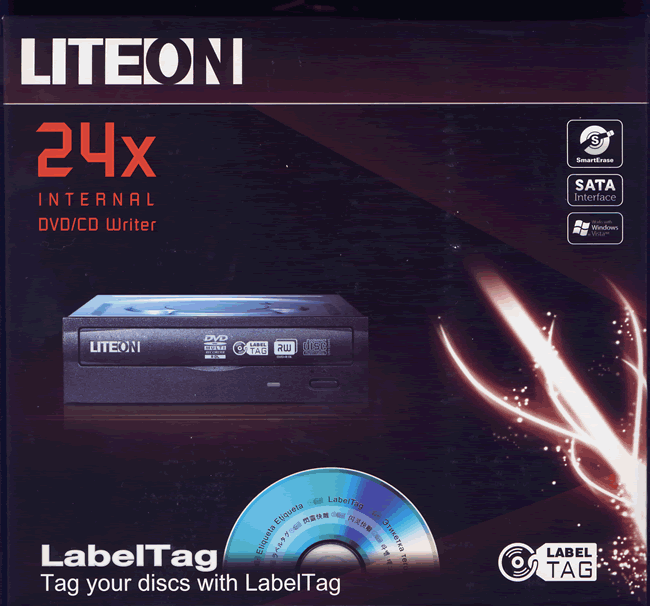
Box front
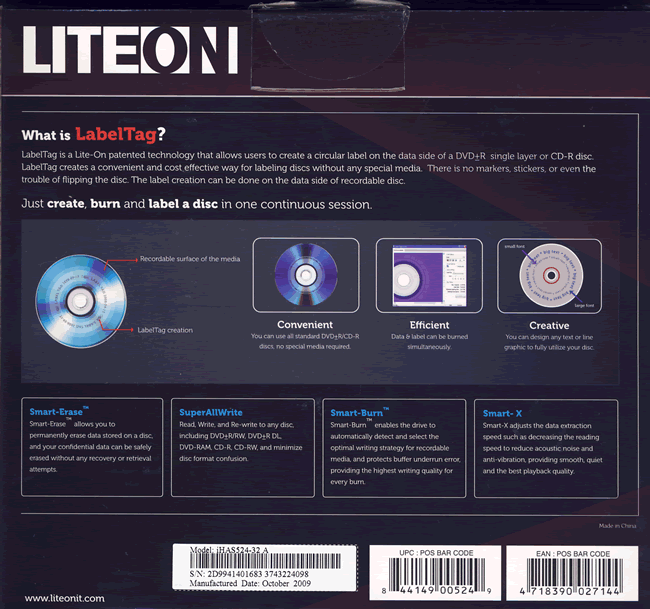
Box rear
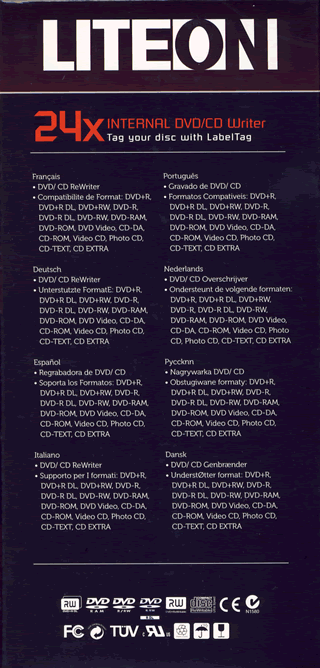
Box left and right sides

Box top
What’s inside the box
Now it’s time to take a look at the drive itself and what the drive came shipped with.
Our package was the retail version.
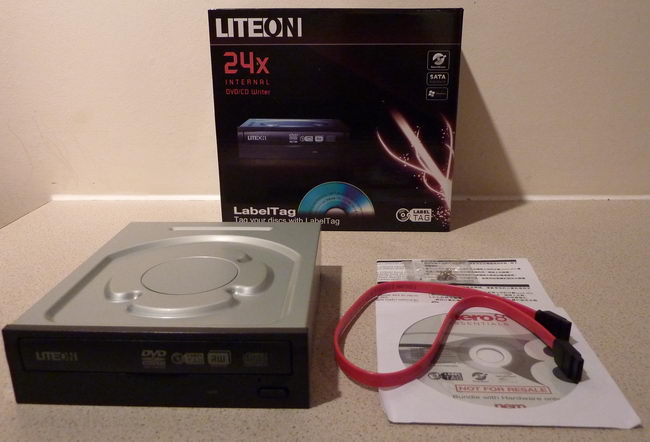
The package contained the Lite-On iHAS524, SATA cable, software disc, instruction manual and fixing screws.
Now let’s take a look at the drive.
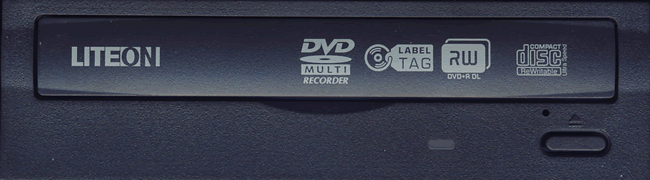
Bezel
The bezel of the Lite-On iHAS524 is nicely styled. We can also see various logos including LabelTag, which is a feature that the drive supports, an emergency eject hole, single green LED and an eject button.

Drive top
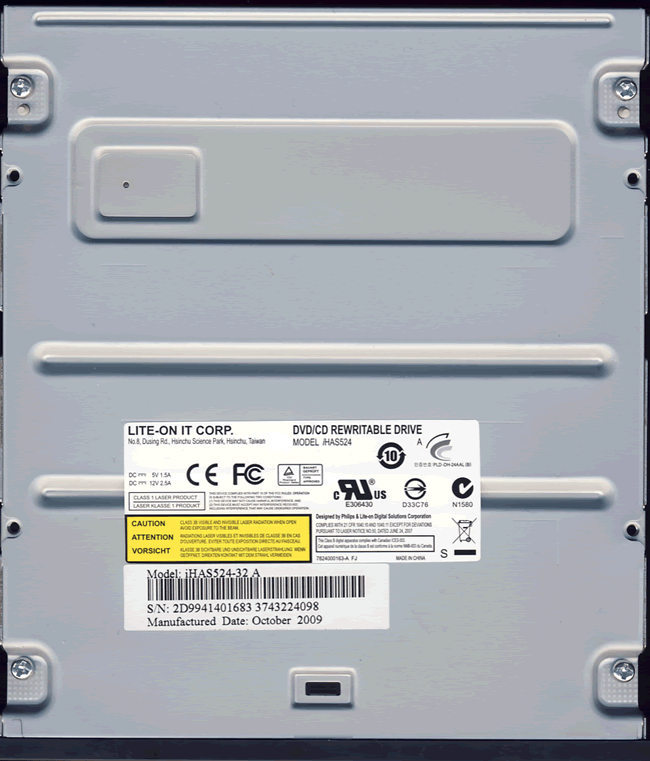
Drive bottom
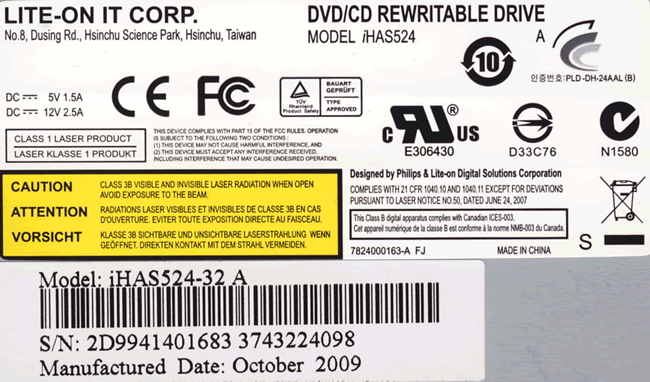
On the bottom of the drive we found one label and we can see the drive was manufactured in China during October 2009.
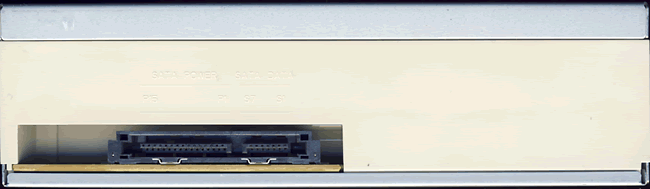
On the rear of the drive we can see a SATA power connector and data connector.
Now let’s head on to the next page where we can take a look at the features of the drive….
Do you want or have this product?
32 Comments
There are no figures how much space you have to leave for LabelTag, it depends on how much space you want to leave free for your label. The LabelTag software will take care of the rest, it will only allow to place a label on the free space. Perhaps 10% free would be a minimum to have any sort of useful label.
|
You can burn data and add LabelTag later, providing you leave the disc open for further writing.
|
Another difference: Labeltag supports CD-R, DiscTattoo does not (It did with some old Yamaha CDRW drives, IIRC).
Michael
|
Summary: CD-R writing quality is generally very good, however, there was quite a few discs where the writing speed was reduced. CD-RW writing quality was ok, but could be improved by implementing a fast P-CAV writing strategy. |
Michael
|
Can anyone tell me how much data space you lose on a cdr, dvd5, dvd9 disc by using LabelTag feature? Also, the logistics... is this burned separately from the acutal data burn.. before or after? With lightscribe it didn't matter because it was the other side. My guess is upto 25%, but if you have accurate numbers... let me know.
|
The only thing about discs that have been LabelTagged is that you can't simply copy them anymore. You would have to rip the data off the disc and then create a new compilation.
In short, LabelTag is a cheaper and much much cooler way to label my discs.
BA
thank you
pawpawwalston
Paw
|
I would love to have a new lite on DVD+R drive and I think I deserve it because I am a Grandpa and I have the best grandkids in the world
|
Here's the contest thread:
http://club.myce.com/f61/win-brand-n...writer-309017/
One mistake I noticed in the review was the motherboard. The Gigabyte GA-EP45-UD3P uses the Intel P45 chipset, not the Intel X48 (I have the same mobo).
On DVD+/-R, Labeltag is awesome! I already made a backup and filled the DVD up to 3.8GB, and used the rest for LabelTag.
There is a software called SmartPack which is a vailable on the LiteOn Website and it includes SmartErase and LabelTag features in it. You have to burn data with any software first, without finalizing the DVD, and be sure to have at least 600MB of free space on a DVD. Once the DVD is burned, launch SmartPack and select the LabelTag feature, there you can make a label for your Disc.
inability of either handling DVD or CD is usually a sign of a laser that has failed. The drive needs to be replaced then (good thing if it is still under warranty).
What you can try:
Grab a bootable DVD and try to boot from that disc. You may need to adjust some Bios settings (boot order) or use some built-in boot menu. If that works, then there is a problem with your software.
If that test failed, see if you can clean the lens, perhaps with compressed air. Then try again.
Michael
How about the registry (regedit), does it have something to do with it?
Michael
About this category
CD/DVD Writers
- With these (internal or external) drives you can read and record DVDs and/or CDs in all kinds of different formats. Every modern drive is able to read and write all kinds of DVDs, so don't worry you have bought the wrong one. Note however that not every drive is able to write dual layer DVDs, and not every drive has support for LightScribe.More about this