Article index
Author
Introduction
|
|
Review: Sony BWU-300S |

Sony Optiarc was kind enough to send us the BWU-300S Blu-ray writer for review. The drive supports Blu-ray writing and reading, in addition, this drive also supports DVD±R/RW, DVD-RAM and CD-R/RW writing.
It’s always exciting to get hold of a new piece of technology, especially when the leap in technology is so far reaching as Blu-ray offers, with much improved storage capacity, the possibility of being able to watch movies in High Definition, bringing a completely new viewing experience.
In this review we will be testing out the latest Blu-ray burner, the BWU-300S from Sony, one of the world’s largest and most respected electronics manufacturers.
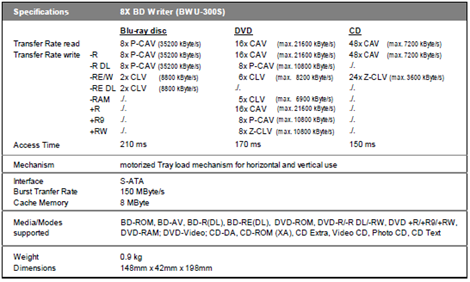
The Sony Optiarc BWU-300S supports 8x BD-R, 2x BD-RE, 16x DVD±R, 8x/6x DVD+RW/-RW, and 8x DVD+R DL/-R DL writing technology, allowing Blu-ray discs of 50GB and DVD Double/Dual Layer discs of 8.5GB to be written. In addition, the Sony BWU-300S also supports DVD-RAM reading and writing at 5x, and CD-R/RW writing speeds of 48x/24x.
Company Information
Sony Optiarc started as a joint-venture with Sony and NEC but since December 2008, Optiarc is a wholly owned subsidiary of Sony
Drive Specifications
We found the specifications of the Sony BWU-300S at the Sony website
What’s inside the box
Now it’s time to take a look at the drive itself and what the drive came shipped with.
Packaging
Our drive was the boxed retail version
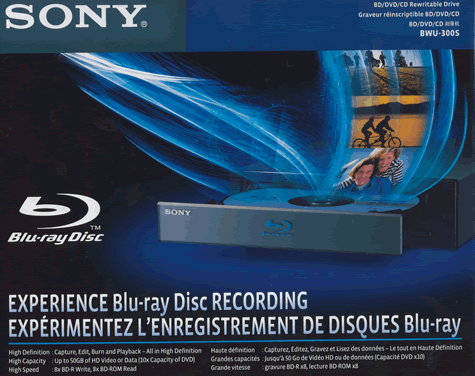
Box front
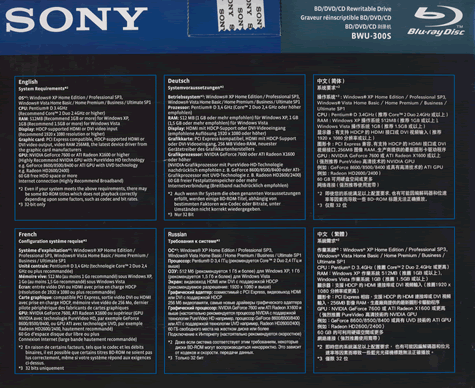
Box rear
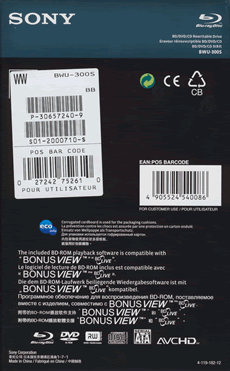
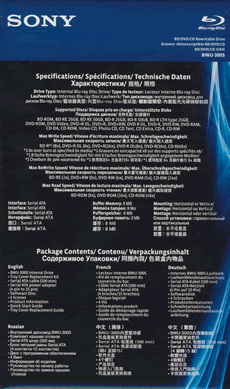
Box left and right sides
Box top
Box contents
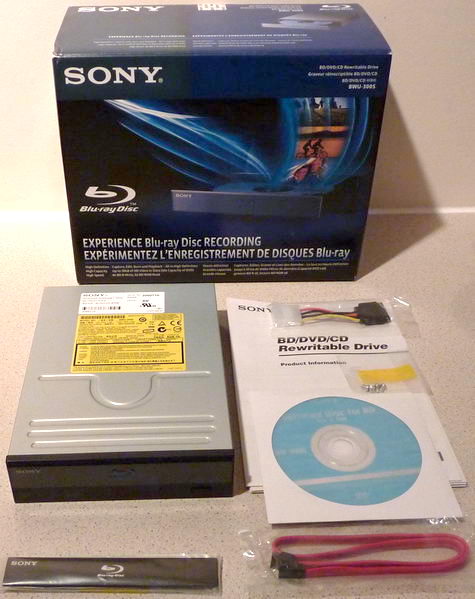
The Sony BWU-300S retail package contain the BWU-300S drive, alternate black disk drawer cover, SATA data lead, fixing screws, SATA power adapter, instruction manual, and software disk.
Now let’s take a look at the drive.
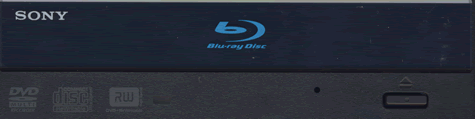
The bezel of the Sony BWU-300S is nicely styled. We can also see various logos, an emergency eject hole, single green LED and an eject button.
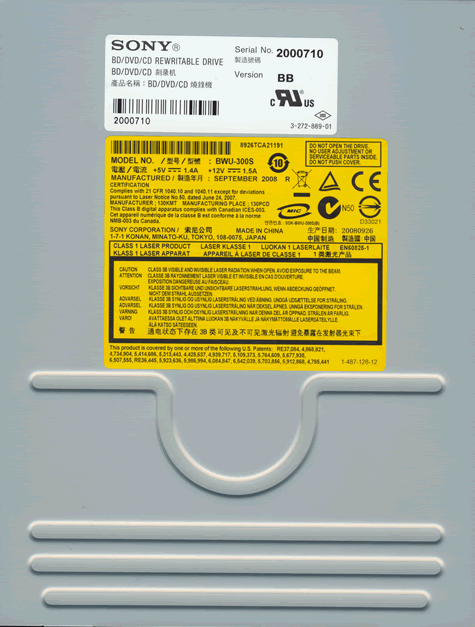
Drive top
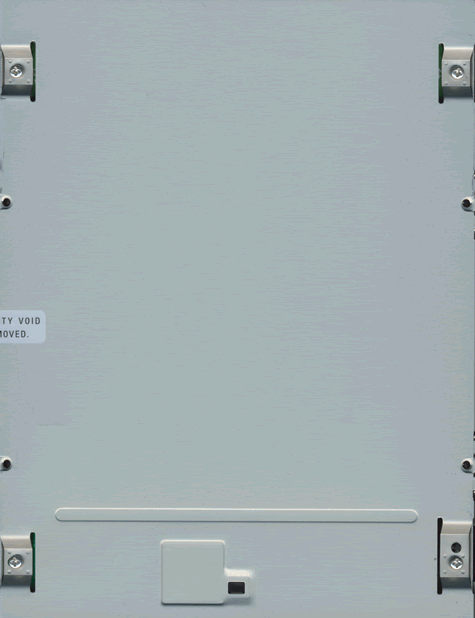
Drive bottom
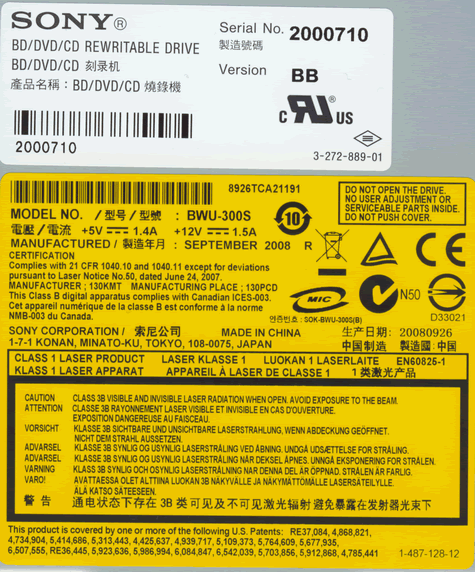
On the top of the drive we found two labels and we can see the drive was manufactured in China during September 2008.
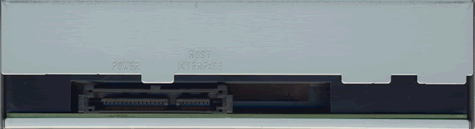
On the rear of the drive we can see from left to right, SATA power and data connectors.
Now let’s head on to the next page were we can take a look at the features of the drive….

16 Comments
Since you reviewed both Pioneer BDR-203BK and this Sony BWU-300S, how is the Sony compared to Pioneer?
I read reviews online from other website and cdfreask, both look good. But what do you mean by slow ripping performance in your review? it is not mention in other review website, you mentioned twice in one paragraph. How slow and can you give exampels?
"CD-Audio, DVD-Video , and more importantly, BD-Video ripping performance is rather slow. The rips obtained are good quality, and the Sony BWU-300S proved to be a reliable ripping drive. But, the ripping speed is rather slow. This may not be a problem for CD-Audio and DVD-Video ripping, as many users will have a DVD burner that they can use for this purpose, and a DVD burner is very cheap to buy."
|
Thanks for the in-depth review Dee.
Since you reviewed both Pioneer BDR-203BK and this Sony BWU-300S, how is the Sony compared to Pioneer? ![]() |
That is a huge price premium
Sony $369 to $561 from 55 sellers
http://www.google.com/products/catal...tle#ps-sellers
LG 8X from $219
http://www.google.com/products?q=LG+...l=en&scoring=p
Pioneer 8x from $209 (newegg had it for 190 once)
http://www.google.com/products?q=Pio...l=en&scoring=p
I really prefer not to pick one review drive over another, as i think both the Sony BWU-300S and Pioneer BDR-203BK are both very good drives.
But in summary:
The Sony BWU-300S is certainly a faster CD-R reader and writer.
They are about equal for DVD-R, but the Pioneer supports more media at its rated speed and burns with better quality, IMO.
The Sony BWU-300S is slightly faster at burning BD-R at 8x, but then, the Pioneer BDR-203BK supports more media at 8x.
The Pioneer BDR-203BK (out the box) is a faster CD/DVD/BD ripper.
Yes i know the riplock can quite easily be defeated on the Sony BWU-300S, but these tricks don't come in the box.

Then there is the price difference. So draw your own conclusion.

@joshendi
Welcome to CD Freaks.
You can find examples in the "ripping tests" in the Real World tests page in the review.
http://www.cdfreaks.com/reviews/Sony...rld-tests.html
My guess is that reading the Volume ID needed to get the Volume Unique Key triggers the riplock. AnyDVD probably does not read the Volume ID in most cases and uses the Volume Unique Key from a database instead. When AnyDVD is running the player software does not see that the disk is protected, so it does not try to access the Volume ID -> the riplock is not triggered.
|
I see... you did "ripping tests" with DVDFab. But in real world people dont use DVDFab only? I want to see other bluray test with Anydvd, and other tools? I own AnyDVD but not DVDFab. I have downloaded DVDFab HD Decrypter, can you test that please? I say real world is what everyone using and sure not only 1 software?
|
@Ala42
Thanks for the great explanation of what it is that likely triggers encryption riplock.
I could never have explained it so well.
Michael xxx
|
better question is it worth the extra 150+ dollars? For the price of one Sony, you can buy a two 6x BD-Bunrers, or one 8X Burner and BD-Rom.
That is a huge price premium ... Pioneer 8x from $209 (newegg had it for 190 once) http://www.google.com/products?q=Pio...l=en&scoring=p |
| We check out the latest 8x Blu-ray burner from Sony, the BWU-300S |
Feel free to add your comments below.
Please note that the reactions from the complete site will be synched below.
About this category
Blu-Ray writers & players
- Blu-ray has won the war for the new high definition optical format. More frequently manufacturers are presenting laptops and desktops which feature a blu-ray drive. Blu-ray players are only able to read Blu-ray (and CD/DVD) media, whereas Blu-ray writers are able to write Blu-ray, CD and DVD media. At the moment blank Blu-ray drives are still rather expensive though, but Blu-ray offers high storage capacity which makes it an excellent back-up medium.More about this